 Creasekit Box
Download
Start your 14-day Pro trial
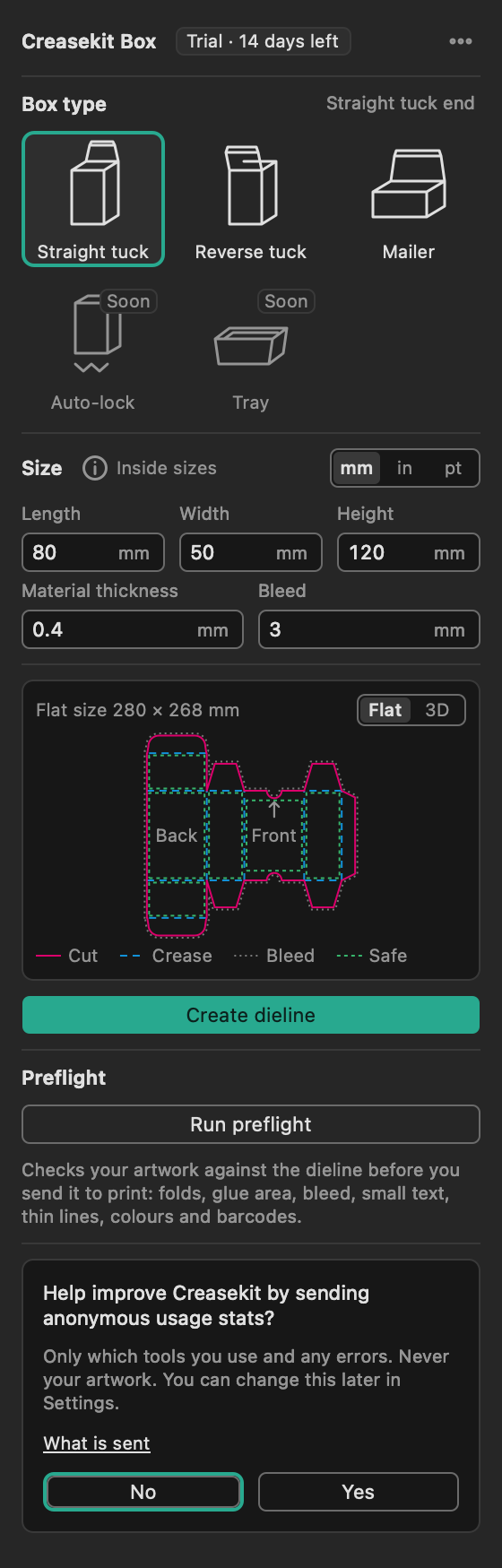
Install, restart Illustrator, and open Window › Creasekit › Box. The trial starts the first time the panel opens.
- No card, no account
- Free plan after the trial
Requirements
System requirements
| Illustrator | Adobe Illustrator 2026 (version 30) |
|---|---|
| Mac | macOS 13 or later, Apple silicon or Intel |
| Windows | Planned after 1.0 |
| Internet | To activate a licence and confirm it when Illustrator starts. Offline, Pro keeps working for 7 days. Box making itself never needs the internet. |
Get started
Three steps
1
Install
Open the installer and follow the steps. It places the plug-in in Illustrator's Plug-ins folder.
2
Restart Illustrator
Then choose Window › Creasekit › Box to open the panel.