 Creasekit Box
Resize the box, not your artwork.
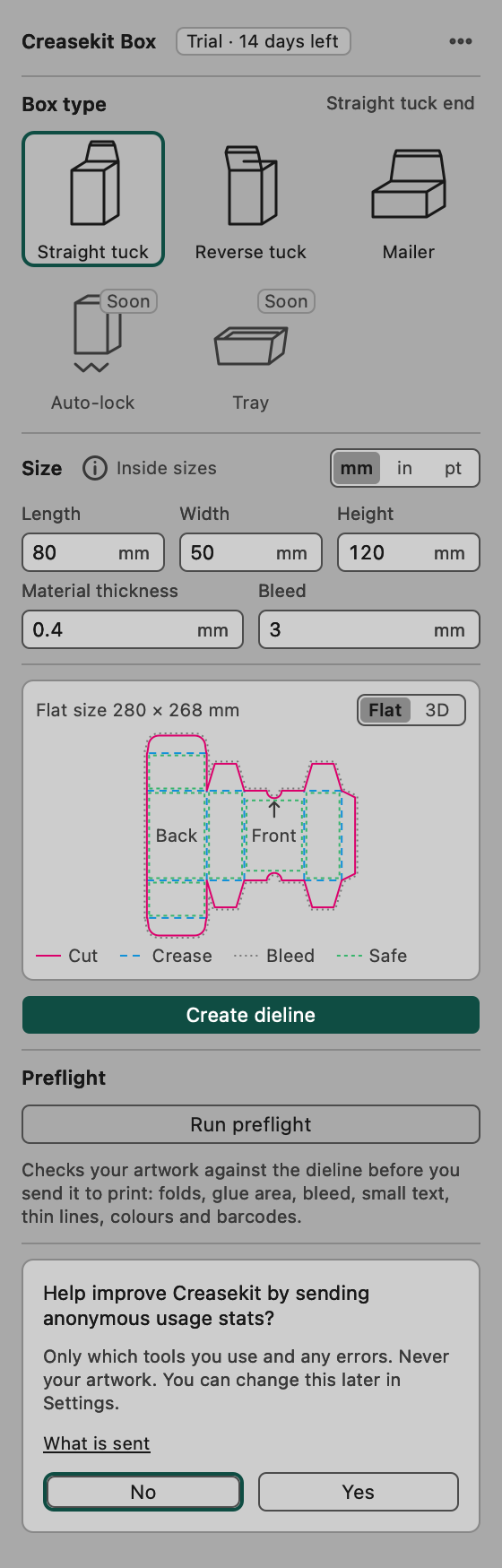
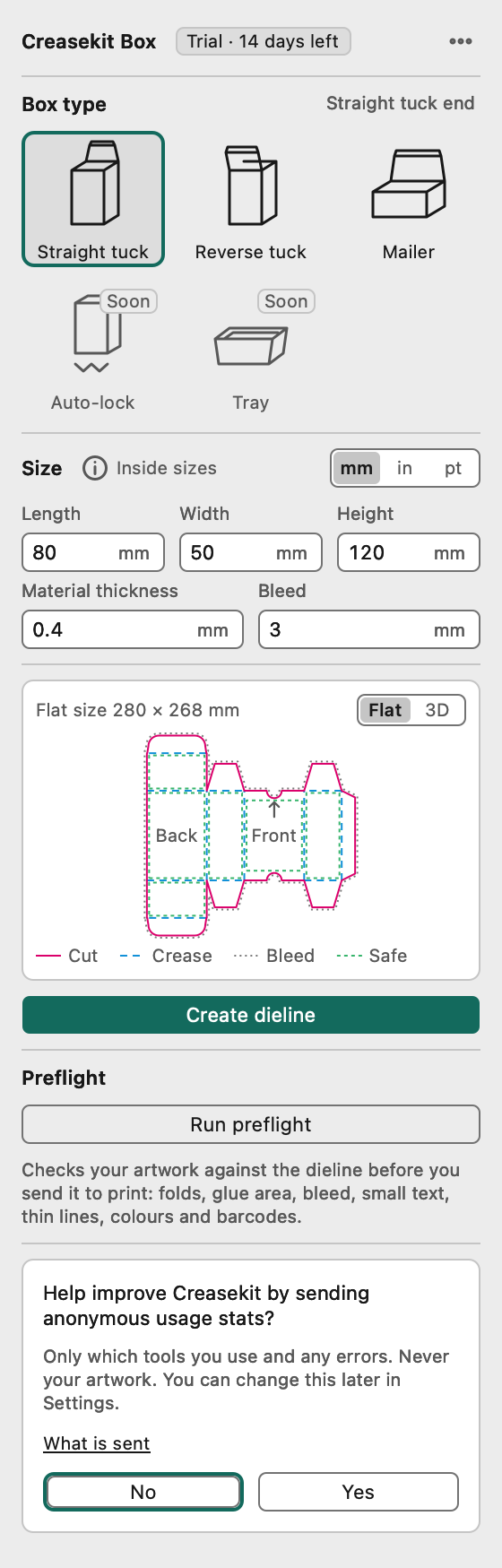
Creasekit Box draws print-ready box dielines, keeps your artwork attached when the size changes, and checks the file before it goes to print.
- No card, no account
- Works offline
- Every Illustrator theme
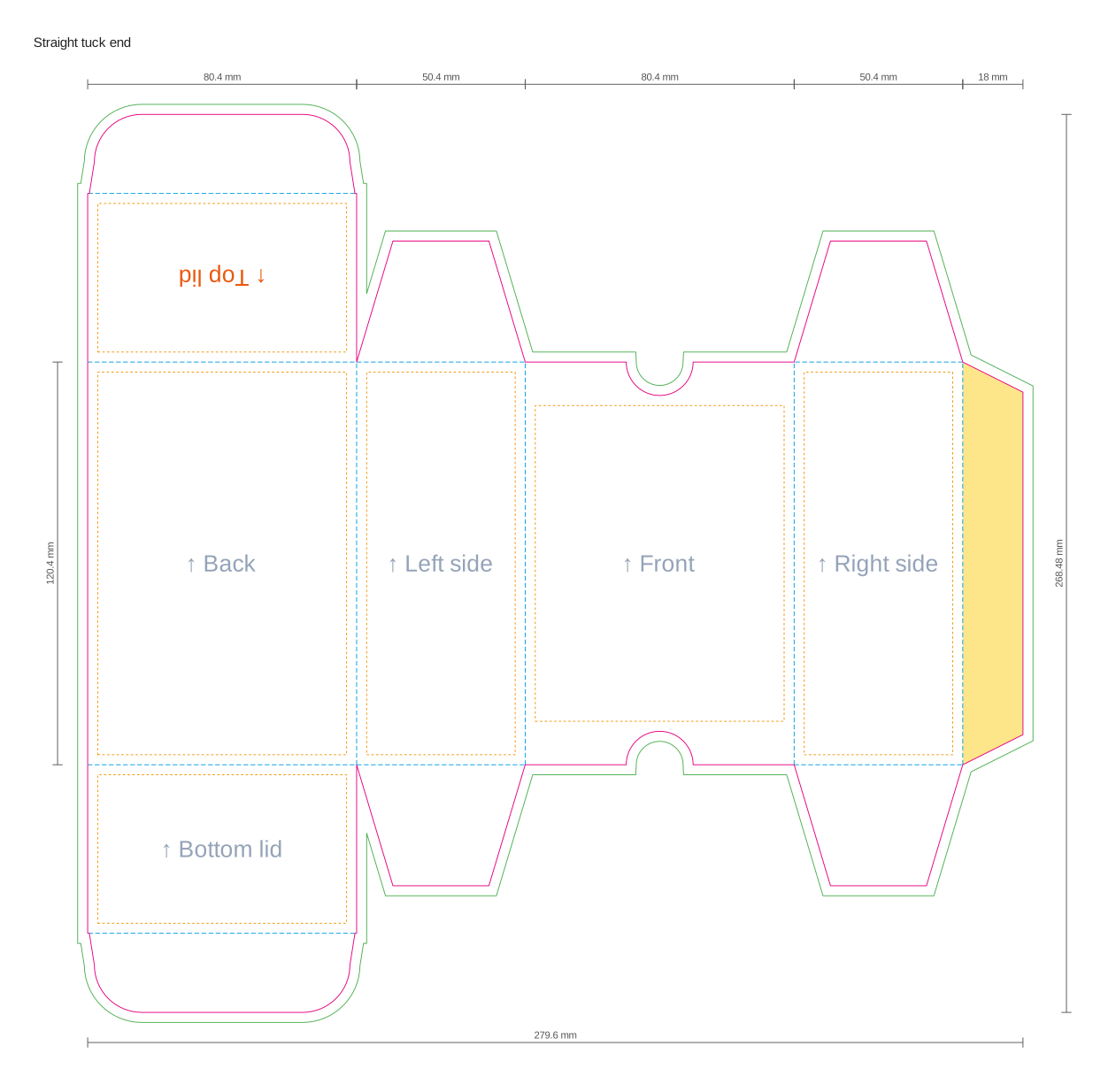
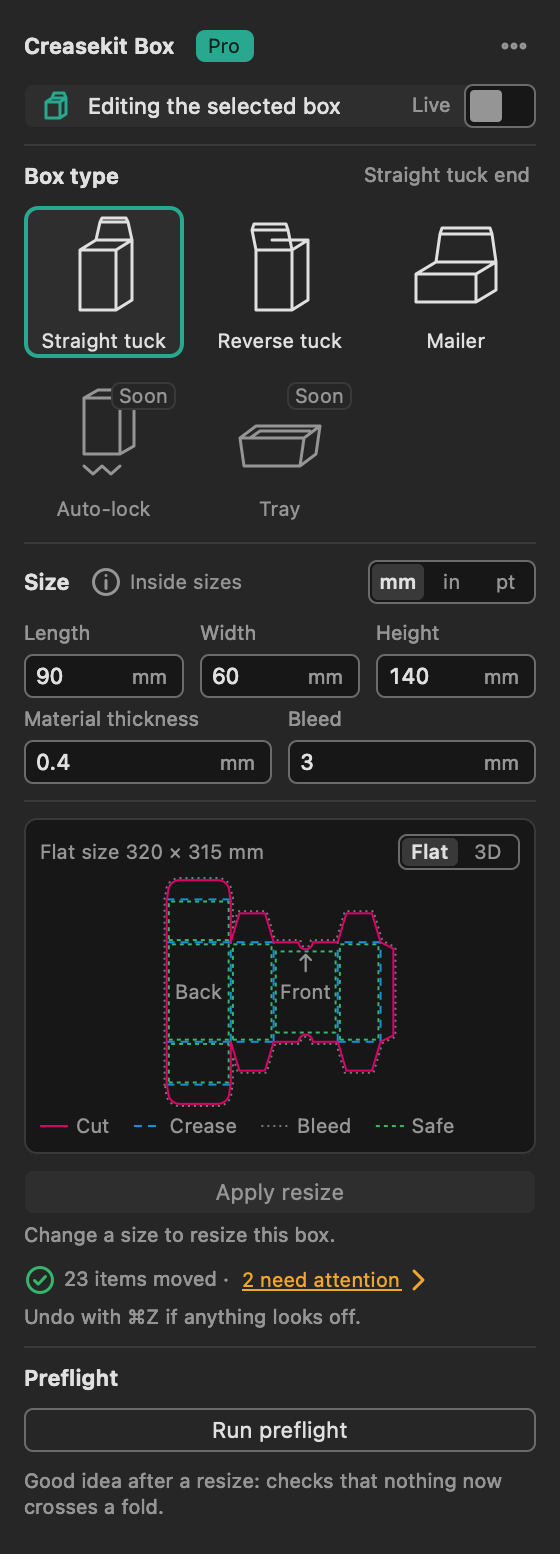
Live resize
The client changed the size? Type it, click Apply resize, and every logo, text block and background follows its face.
Packaging preflight
Text over a fold, art in the glue area, missing bleed, tiny text and RGB colours, found before the printer finds them.
3D preview
Fold the dieline into the finished box with your artwork on it. Open the lid, turn it, show the client the real thing.
The size changed again. Your layout didn't break.
Every generator hands you an empty dieline and walks away. Creasekit remembers which face every item belongs to.
- Select the dieline, change length, width or height, click Apply resize.
- Artwork follows its face. Backgrounds stretch, logos and text keep their size.
- Nothing gets lost. Items that no longer fit are selected for you. One Undo restores everything.
- Live mode updates the artboard as you type, for sizing calls with the client.
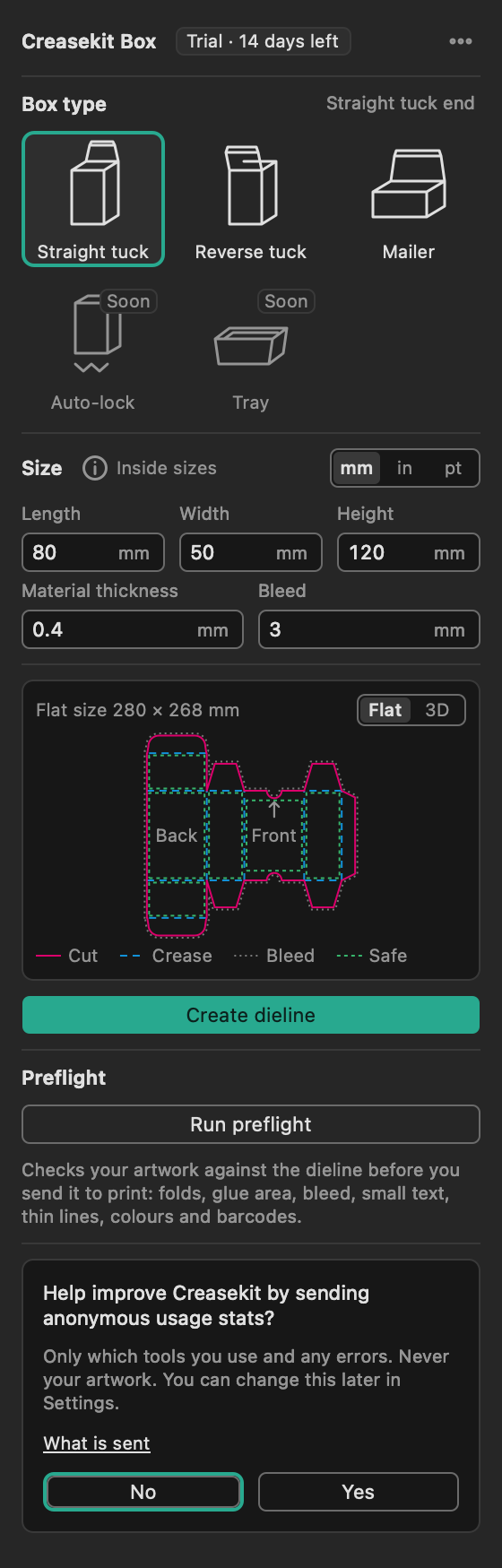
Catch the reprint before it happens.
One click checks your artwork against the dieline, face by face, with the rules print shops actually reject files for.
- Folds and glue: text or art crossing a crease, ink in the glue area.
- Edges: missing bleed, content too close to the cut line or a fold.
- Print quality: tiny text, hairline strokes, RGB colours, barcode quiet zones.
- Click a problem to select the item and zoom to it on the artboard.

See the box before you print it.
Switch the preview to 3D and the dieline folds up step by step, with your artwork printed on its faces.
- Your artwork on the box, so a logo on the wrong face is obvious.
- Open lid, Close lid to see how the box opens.
- Drag to turn it; double-click to go back to the first view.

At home in every Illustrator theme
A real Illustrator panel, not a web page in a box. It follows all four brightness levels and passes WCAG AA contrast in each.
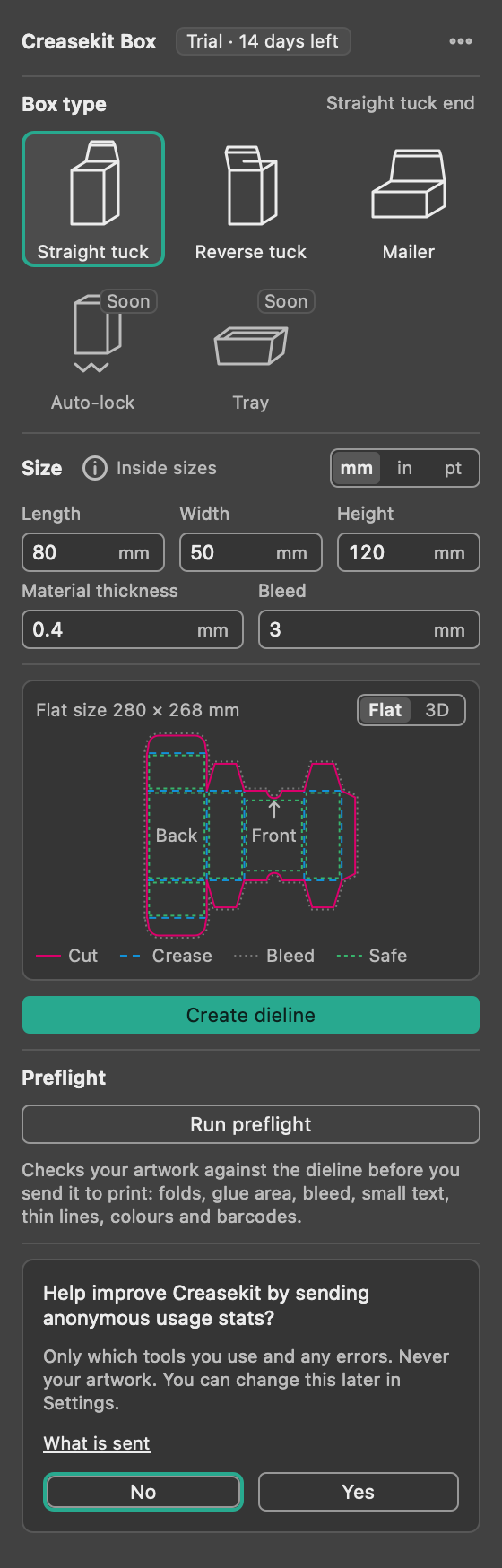
Files your printer will accept the first time
Separate layers
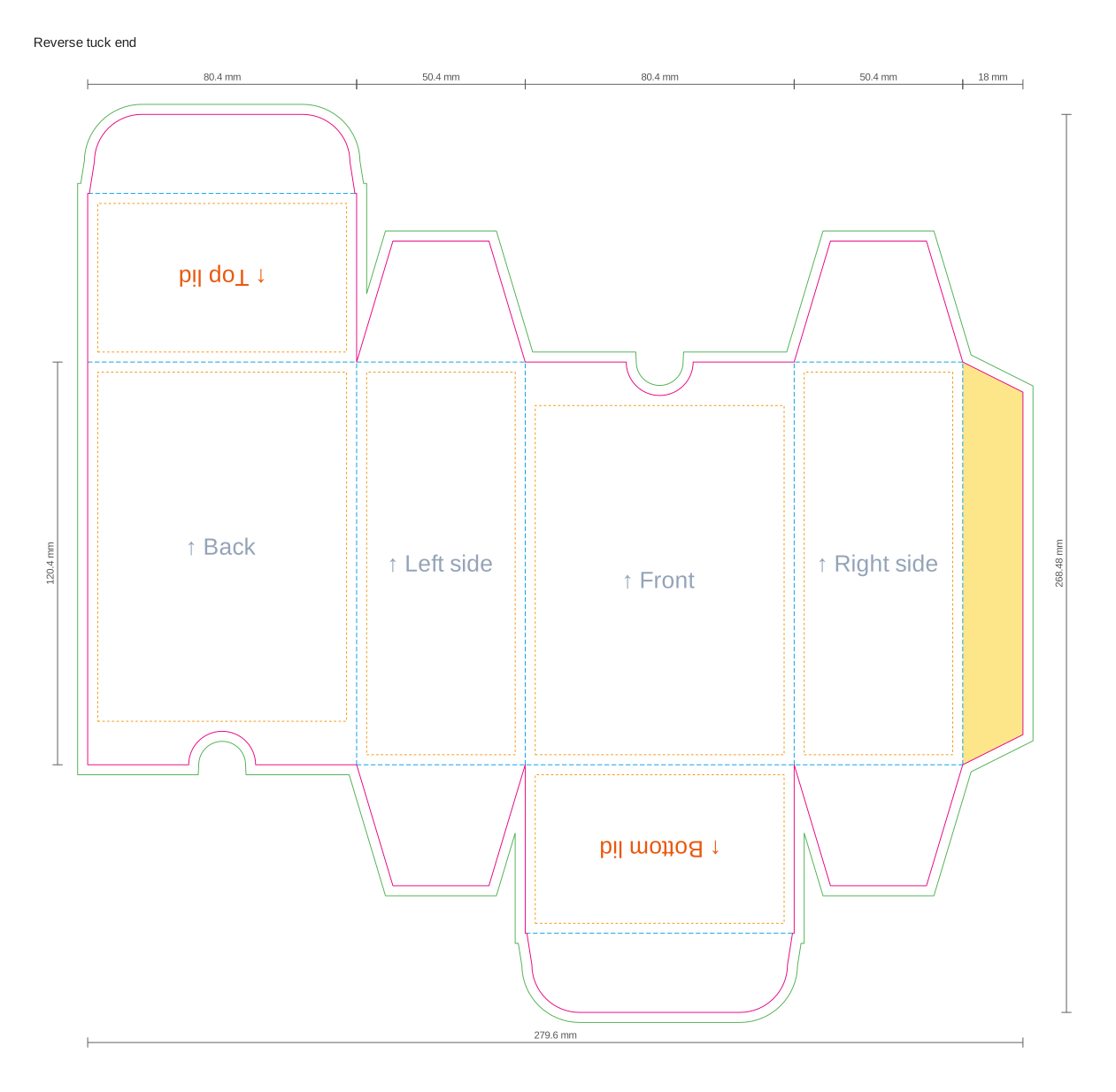
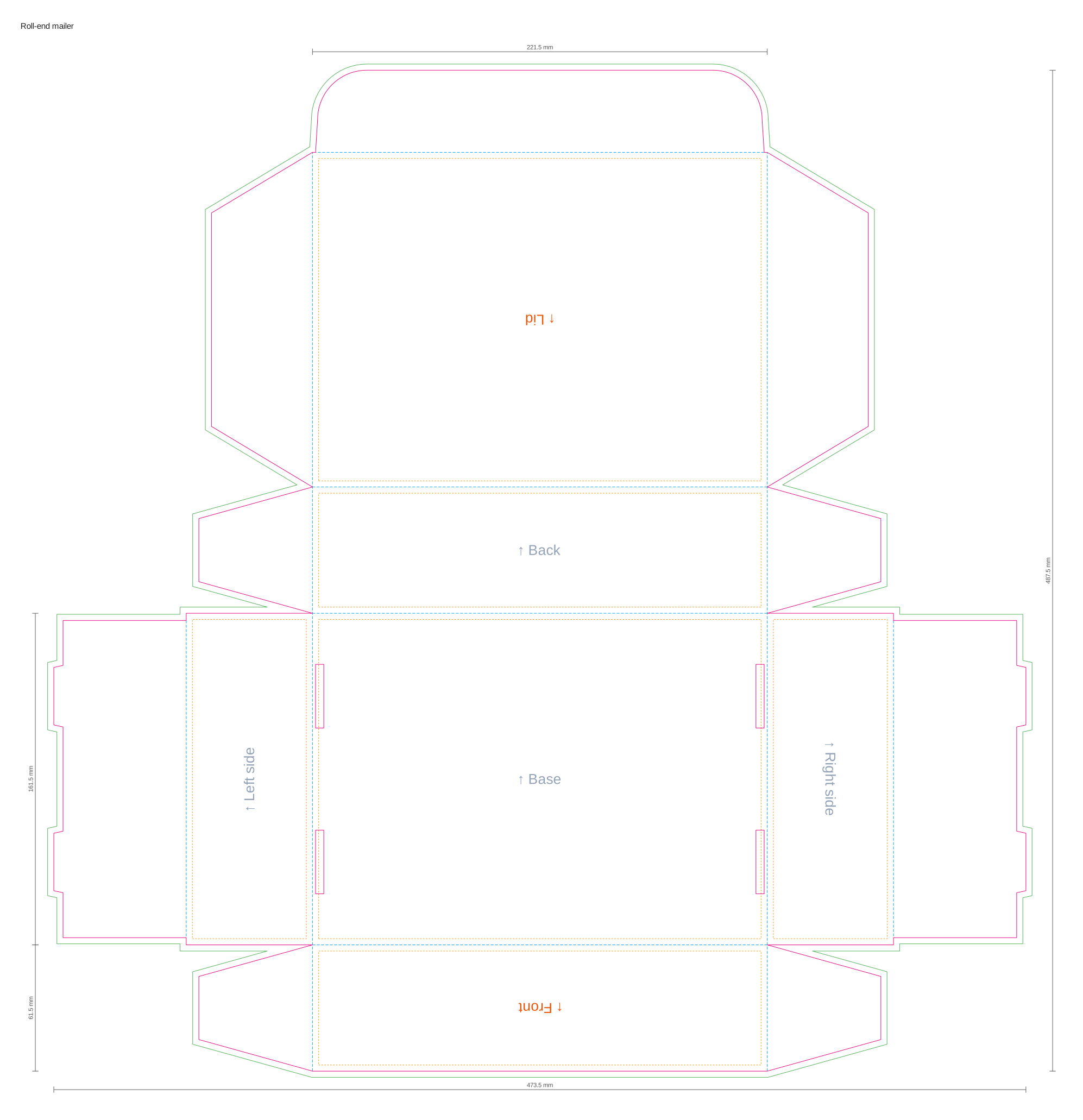
Cut, Crease, Bleed, Safe and Dimensions, each on its own layer, plus an Artwork layer for your design.
Shop spot colours
CutContour for the knife line and a separate crease colour, the
names print shops already use.
Panel guide
A non-printing layer names every face and shows which way is up, so no lid prints upside down.
Any size, any unit
Millimetres, inches or points, with material thickness added where the board folds.
Always undoable
Create, resize and live updates are each one step in Illustrator's Undo.
Works offline
Everything runs on your Mac. A quick licence check needs the internet; offline, Pro keeps working for 7 days.
The cartons you make every week
Any size from 10 mm to 1.5 m per side. More types arrive with every release.
Questions designers ask
Which version of Illustrator do I need?
Adobe Illustrator 2026 (version 30) on a Mac with macOS 13 or later, Apple silicon or Intel. Windows is planned after 1.0.
Do I need an account or a card for the trial?
No. Every install starts with 14 days of Pro. After that it keeps working as the Free plan until you buy a licence.
What happens to my artwork when I resize?
Everything on the Artwork layer follows its face. Backgrounds stretch with the face, logos and text keep their size. Items that no longer fit are listed and can be selected in one click, and one Undo restores everything.
Will the file open without the plug-in?
Yes. Without Creasekit the file shows normal layers and paths, so you can send it to any printer or colleague.
Does Creasekit send my artwork anywhere?
Never. Usage stats are off until you turn them on, and even then they contain no names, file names, sizes of your work or artwork.
Make your next box in minutes.
14 days of Pro, free. No card, no account. Keep the Free plan afterwards, or upgrade when the next client changes the size.